 TaxBuddie
Taxi drivers
Sign in
Create Account
TaxBuddie
Taxi drivers
Sign in
Create Account
TaxBuddie · Practical driver guides
Give your accountant records they can follow.
Prepare driver earnings, mileage, expense evidence and CSV report exports for an accountant with TaxBuddie. A step-by-step handover checklist and example.
Free shift and mileage tracking. Pro tools £3.99/month.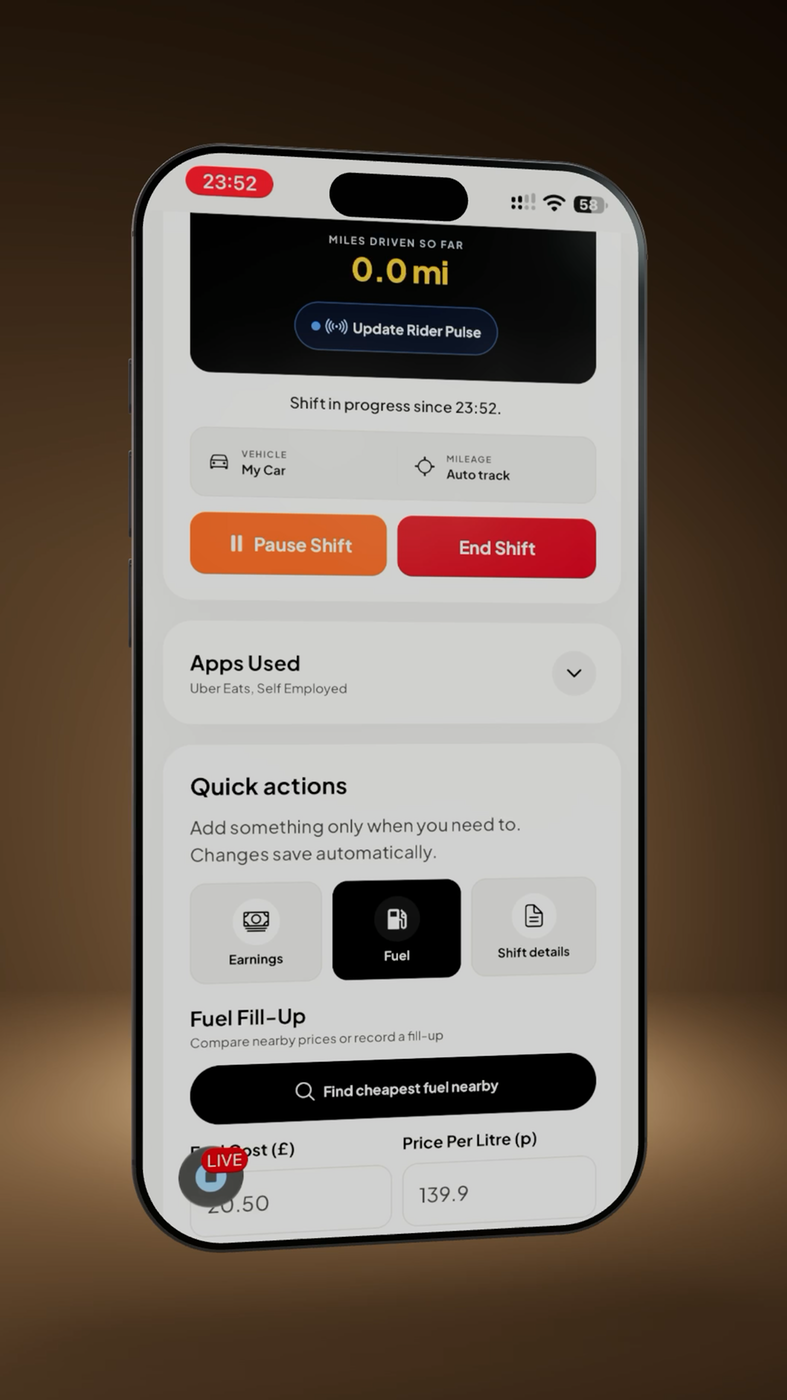
Agree the scope before exporting
Ask your accountant which period, file formats and supporting documents they need. Confirm whether they want a full tax year or another accounting period. A well-organised handover explains what the totals represent and where the evidence lives.
For UK Self Assessment, the tax year runs from 6 April to 5 April. Your accountant can confirm the dates appropriate to your accounts. See HMRC’s business-record guidance for the distinction between records and accounting methods.
Prepare five parts of your handover
- Earnings: include app statements and records of direct, cash or card work. Explain whether amounts are gross earnings or net payouts.
- Mileage: review shift distances, manual corrections and personal-use notes. Keep supporting readings where available.
- Expenses: check dates, descriptions, amounts, refunds and duplicate entries. Flag mixed-use purchases instead of silently treating them as wholly business costs.
- Evidence: retain source statements, receipts and invoices. A summary or evidence index is a navigation aid, not a replacement for those documents.
- Questions: list missing receipts, unexplained differences and decisions you need the accountant to review.
Review, export and check the files
In TaxBuddie, review your Reports for the agreed date range. CSV report exports are available on Free and Pro. Open each exported file yourself before sharing: check the period, totals, headings and whether the contents answer your accountant’s request.
Keep the original statements alongside exports and explain any adjustments. Accountant Access is a planned feature. For now, export the records and agree a handover method with your accountant. Choose your accountant’s preferred secure handover method; avoid posting financial files to a public link.
Keep a dated copy of the package you sent. If a figure changes later, send a clearly identified revision and explain the change so two different versions are not mistaken for separate records.
Worked example · illustrative figures
Explain one £60 difference
Alex’s selected month contains £2,400 of recorded gross platform earnings. The bank shows £2,040 received. The statements show £300 of fees, leaving £2,100 expected after fees. That leaves a £60 difference to investigate.
| Item | Amount |
|---|---|
| Recorded gross earnings | £2,400 |
| Statement fees | £300 |
| Expected net amount | £2,100 |
| Bank receipts checked | £2,040 |
| Difference to explain | £60 |
Alex includes the source statements and notes that the £60 needs checking against payout timing or adjustments. Alex does not invent an expense to make the totals agree. The accountant can review the evidence and the appropriate treatment.
Final checks before sharing
- Every export covers the agreed dates and the correct account.
- Gross earnings, platform fees and net receipts are clearly distinguished.
- Duplicate imports and manually recorded entries have been checked.
- Original evidence is available, and unresolved items are listed.
- The accountant knows which file is the latest version.
Does an export submit my return?
No. TaxBuddie provides record keeping and exports. It does not submit tax returns or MTD updates to HMRC. Your accountant’s filing process is separate.
Can I send just a PDF summary?
Ask your accountant. They may need CSV detail and source documents as well as a summary. Providing a useful total does not remove the need to retain evidence.
About TaxBuddie
TaxBuddie is a mileage and expense tracker for UK drivers and delivery riders, created by Raheem Shah at Pluto Software Solutions. Keep shifts, earnings, mileage, expenses and receipts organised across supported devices.
TaxBuddie provides record keeping and exports. It does not submit tax returns or MTD updates to HMRC.
Create Account