 TaxBuddie
Taxi drivers
Sign in
Create Account
TaxBuddie
Taxi drivers
Sign in
Create Account
TaxBuddie · Practical driver guides
Keep delivery mileage organised, shift by shift.
Track delivery mileage across platforms, separate personal journeys and review your records with TaxBuddie. A practical UK driver guide with a worked example.
Free shift and mileage tracking. Pro tools £3.99/month.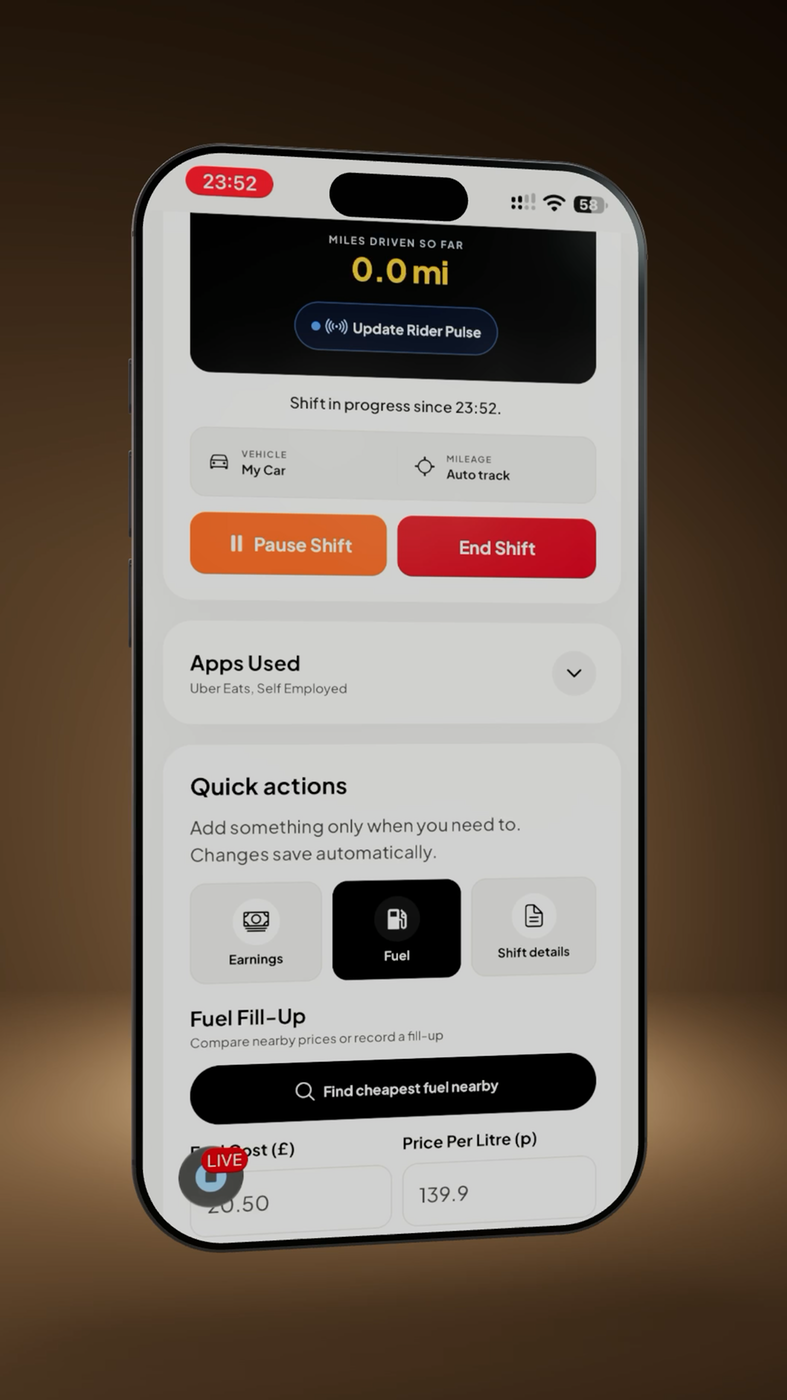
One mileage record for a mixed-app shift
A delivery shift can include several platforms, collections, drop-offs and periods without an order. Keeping a record while you work is easier than reconstructing the route from payment statements later. TaxBuddie brings shift time, mileage and earnings into one account so you can review the work behind your totals.
This guide covers a practical recording routine. A GPS distance is a record of movement, not a decision about which miles qualify for tax relief. Keep enough detail to distinguish business activity from personal travel.
Before, during and after a shift
- Before: choose the right vehicle and mileage mode. TaxBuddie supports GPS, odometer and manual recording. Check location permissions when using GPS, and keep an odometer reading as a useful cross-check.
- During: keep your platforms and running earnings up to date when safely parked. If you take a personal detour, note it separately rather than assuming every mile belongs in your business total.
- After: finish the shift and check the mileage against the journey you actually made. Investigate gaps or unexpected distances before relying on the record.
- Each week: compare shifts with platform statements. A bank payout may cover several shifts, so use the statement period to understand differences.
Worked example · illustrative figures
Review a 52-mile evening
Sam starts at an odometer reading of 24,180 miles and ends at 24,232. The difference is 52 miles. Sam also notes an 8-mile personal detour.
| Record | Miles |
|---|---|
| Total distance: 24,232 − 24,180 | 52 |
| Personal detour noted separately | 8 |
| Remaining distance to review for business use | 44 |
The remaining 44 miles still need to be assessed against the purpose of the journeys. Sam keeps the readings and notes with the shift records. No mileage rate or tax saving is assumed in this example.
Avoid gaps and double counting
Do not enter the same shift twice because two platforms were active. Keep the distance for the actual shift and reconcile the earnings separately. Check GPS totals after a permission change, a flat battery or interrupted tracking. If you correct a record, retain the reason and supporting readings.
A receipt for fuel and a mileage log describe different things: one records spending and the other records distance. Recording both does not mean both can be deducted together. Use the appropriate rules for your vehicle and circumstances.
See HMRC’s vehicle and travel expenses guidance before deciding which journeys or costs are allowable.
What is included in TaxBuddie?
Unlimited live shifts and mileage tracking are free. Pro adds tools including statement imports, advanced reports and CSV/PDF exports. Keep source statements as well as app records, and review imported entries before using them.
Can I track work across different delivery platforms?
Yes. You can organise mixed-platform shifts in one account. Statement import support varies by provider; check the options in the app rather than assuming every statement format is supported.
Does GPS tracking decide my tax claim?
No. It records distance. You or your adviser must decide how the records apply to your circumstances.
About TaxBuddie
TaxBuddie is a mileage and expense tracker for UK drivers and delivery riders, created by Raheem Shah at Pluto Software Solutions. Keep shifts, earnings, mileage, expenses and receipts organised across supported devices.
TaxBuddie provides record keeping and exports. It does not submit tax returns or MTD updates to HMRC.
Create Account